SVG vs EPS vs AI: Which Vector File Format Should You Use?
Understanding Vector File Types
Choosing the wrong vector file format can cause compatibility issues, editing limitations, and print delays. Each format serves a different purpose, and understanding these differences ensures your logo works everywhere it needs to.
👉 Internal link: Graphic Files Explained – Vector vs Raster
AI Files Explained (Adobe Illustrator)
AI files are Adobe Illustrator’s native working format. They are ideal for editing, allowing full access to layers, paths, text, and effects.
However, AI files are not universally compatible. Many printers and non-Adobe users cannot open them reliably, which limits their usefulness as a final delivery format.
👉 Internal link: What is vector software used for?
EPS Files Explained (Encapsulated PostScript)
EPS is the most widely accepted vector format in the print industry. It is stable, scalable, and compatible with nearly all professional printing systems.
EPS files are ideal for logos because they maintain structure while remaining universally accessible, making them the safest choice for long-term brand storage.
👉 Internal link: How Do I Edit an EPS Vector File?
SVG Files Explained (Scalable Vector Graphics)
SVG files are designed primarily for web and digital use. They are lightweight, responsive, and scale perfectly across screen sizes.
However, SVG is not always suitable for traditional print workflows, which is why it should complement — not replace — EPS or AI files.
👉 Internal link: What does vector mean in Photoshop?
Which Vector Format Should You Use?
For most businesses, the best solution is to maintain multiple vector formats:
EPS for print
AI for editing
SVG for web
Vectorman supplies all required formats so your logo works everywhere without limitation.
👉 Internal link: Why Choose Vectorman for Your Vector Conversion Needs
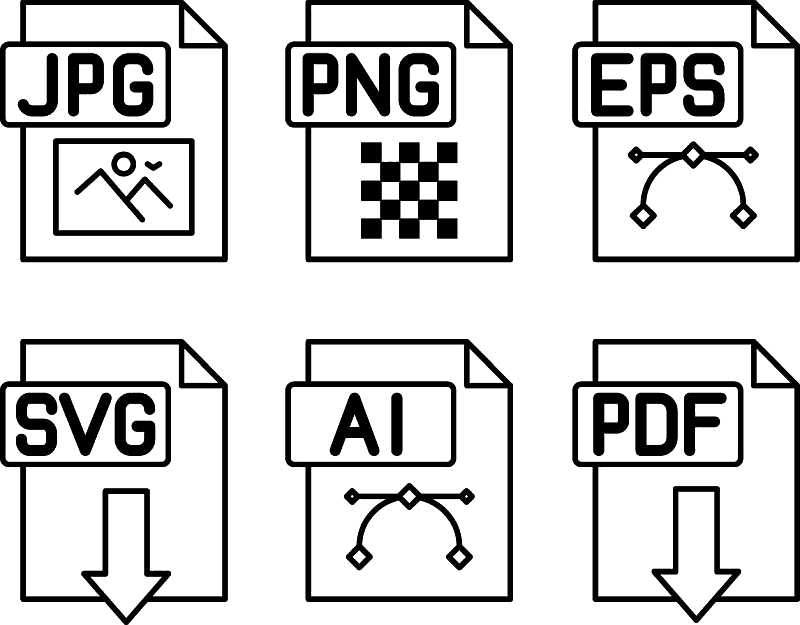
“Clean comparison of SVG, EPS, and AI vector file icons with labels, modern flat design, white background”