Why Auto-Tracing Logos Produces Poor Vector Results
What Auto-Tracing Really Does
Auto-trace tools analyse pixel contrast and attempt to guess where shapes exist. While fast, this process lacks judgement and does not understand branding, typography, or print requirements.
👉 Internal link: How to turn an image into a Vector
Common Problems Caused by Auto-Tracing
Auto-traced vectors often suffer from:
Jagged or uneven curves
Hundreds of unnecessary anchor points
Distorted letterforms
Inconsistent line thickness
These issues may not be obvious at first glance but become very noticeable during printing or embroidery.
👉 Internal link: Enhancing Low-Resolution Images: From Pixelated to Perfect
Why AI and Auto-Trace Are Not the Same as Professional Vector Work
AI tools prioritise speed over accuracy. They do not understand brand proportions, font integrity, or production limitations.
Professional vector artists redraw artwork manually, ensuring smooth curves, balanced shapes, and clean structure.
👉 Internal link: Why AI Isn’t Always Best for Vector Images – Ask Vectorman for Help!
When Manual Vector Conversion Is Essential
Manual conversion is critical for:
Logos
Branding assets
Print-critical artwork
Long-term brand use
👉 Internal link: Why Logo Conversion Service like VECTORMAN is the best to use?
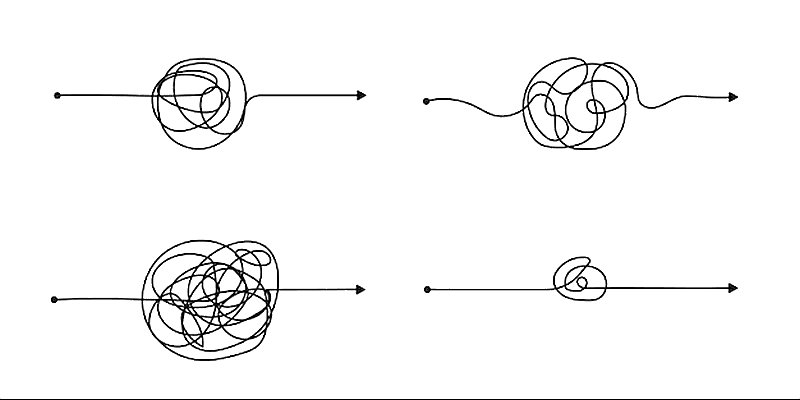
“Chaotic auto-traced vector paths compared to clean professional vector curves, technical illustration style”